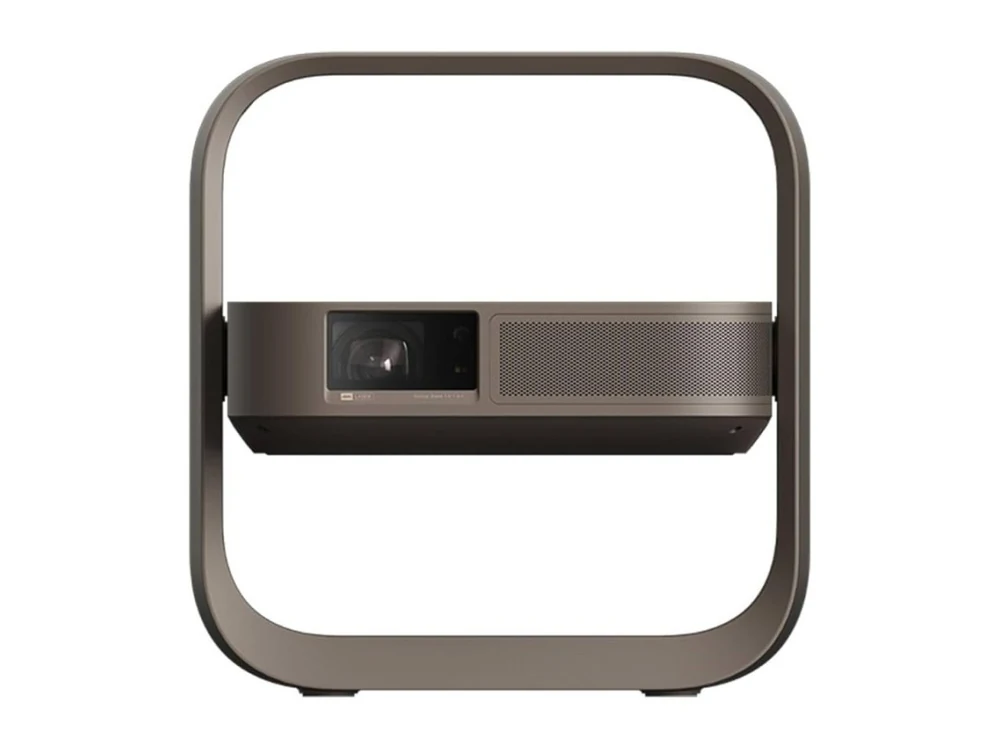
Illustration · XGIMI Z9X
XGIMISupported

XGIMI Z9X High Brightness Chinese Version — English Menus

On the China-market XGIMI Z9X High Brightness G0148 (Android 13), the interface, settings and system notifications are translated into English. AmnesiaOS supports 25 languages, a home screen, keyboard and voice search.

  • Interface, settings and system notifications in English
  • AmnesiaOS home screen, keyboard and voice search
  • 25 translated languages, tested G0148 version
  • Last tested on this model: October 2026
$45one projector · price confirmed with your model
Compatibility

Is this
your projector?

Which model
China-market XGIMI Z9X High Brightness G0148, Android 13.
  • The standard Z9X 4K and High Brightness G0130 are not covered by this device test.
How to check
Check High Brightness on the box and G0148 on the device label or About screen. If you see G0130 or another code, confirm compatibility before paying.
Last tested · October 2026
Tested on XGIMI Z9X High Brightness G0148: installation, reboot, native English settings and quick settings, keyboard and voice search.
Firmware

Global or International Firmware for XGIMI Z9X High Brightness

The original device firmware remains installed.
The result

What changes
after the install

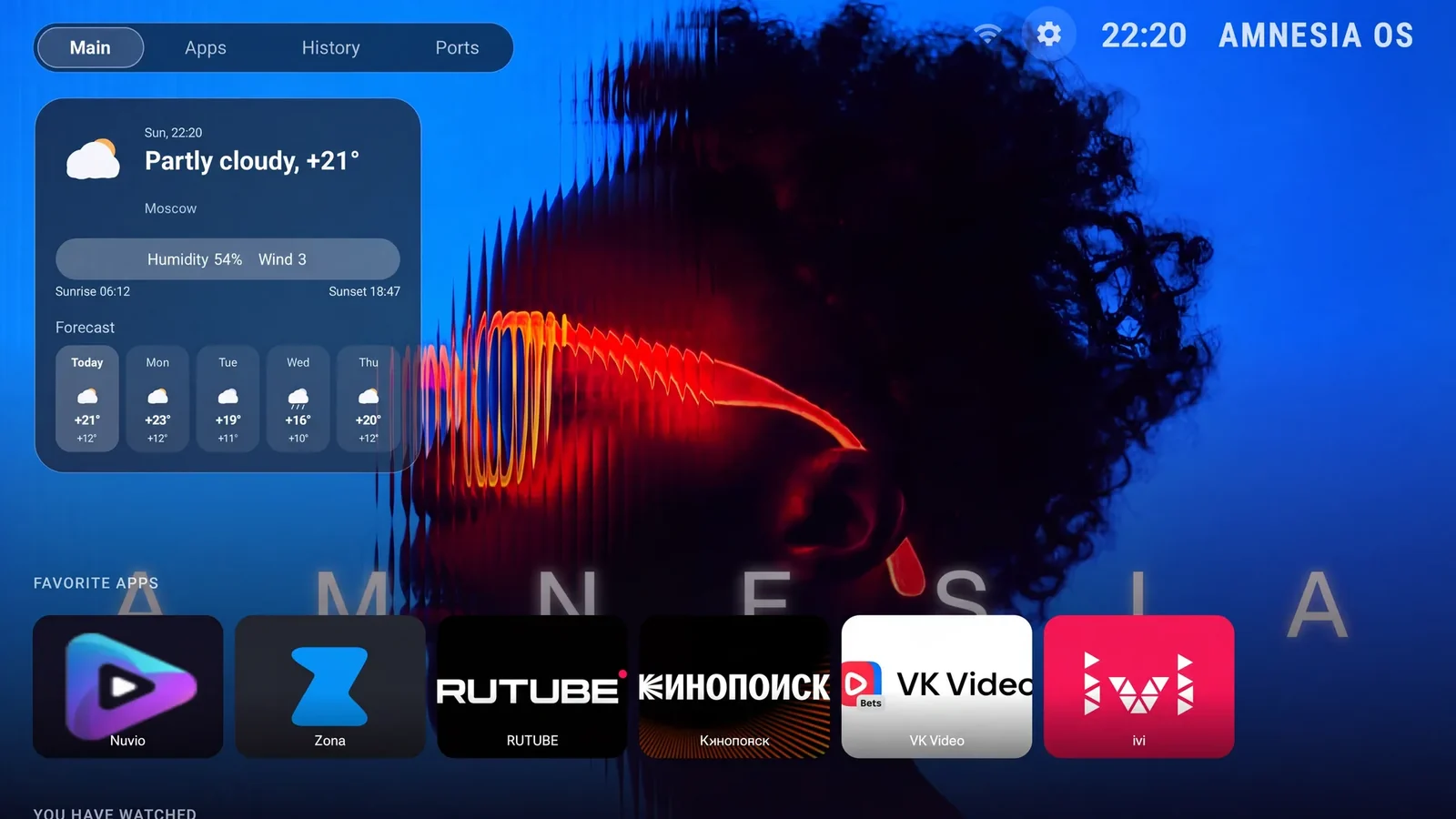
AmnesiaOS interface — home screen
Illustration · AmnesiaOS
Interface and notifications

Interface and system notifications in English. Translation is available in 25 languages.

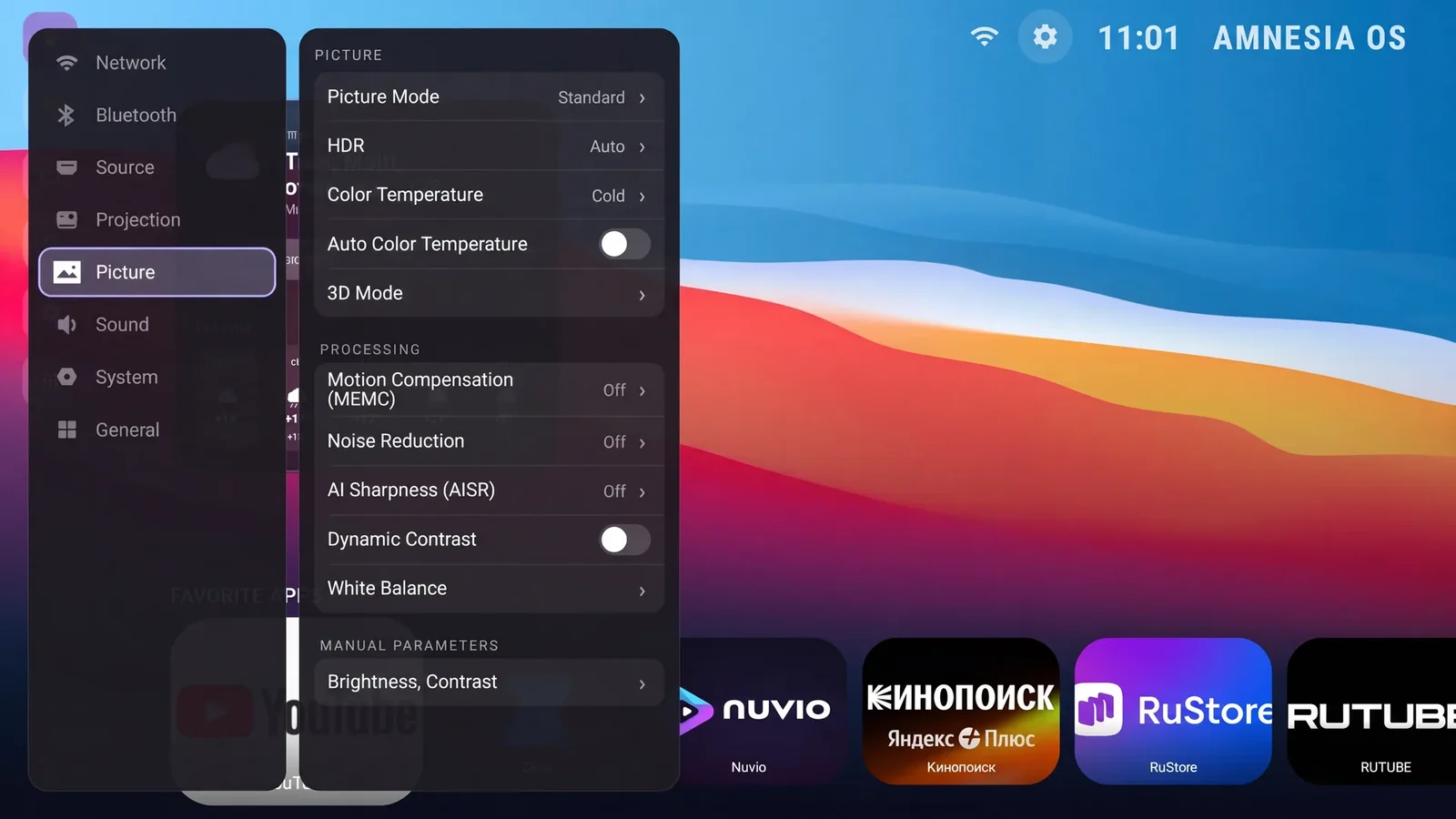
Projector settings in English
Illustration · AmnesiaOS
Native settings

Stock settings and quick settings in English.

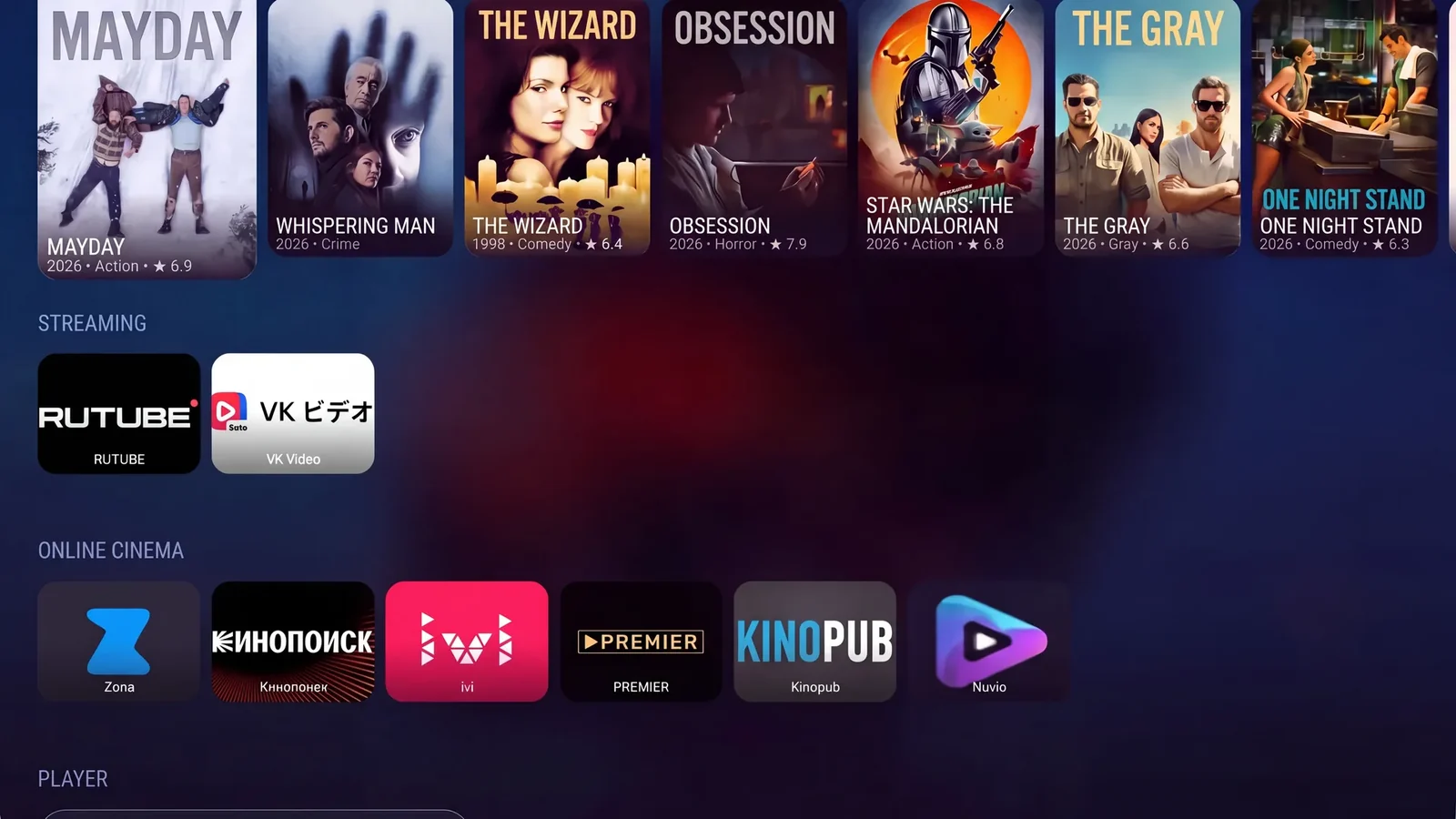
AmnesiaOS — installed apps
Illustration · AmnesiaOS
Home screen

The Home button opens AmnesiaOS, including after a reboot.

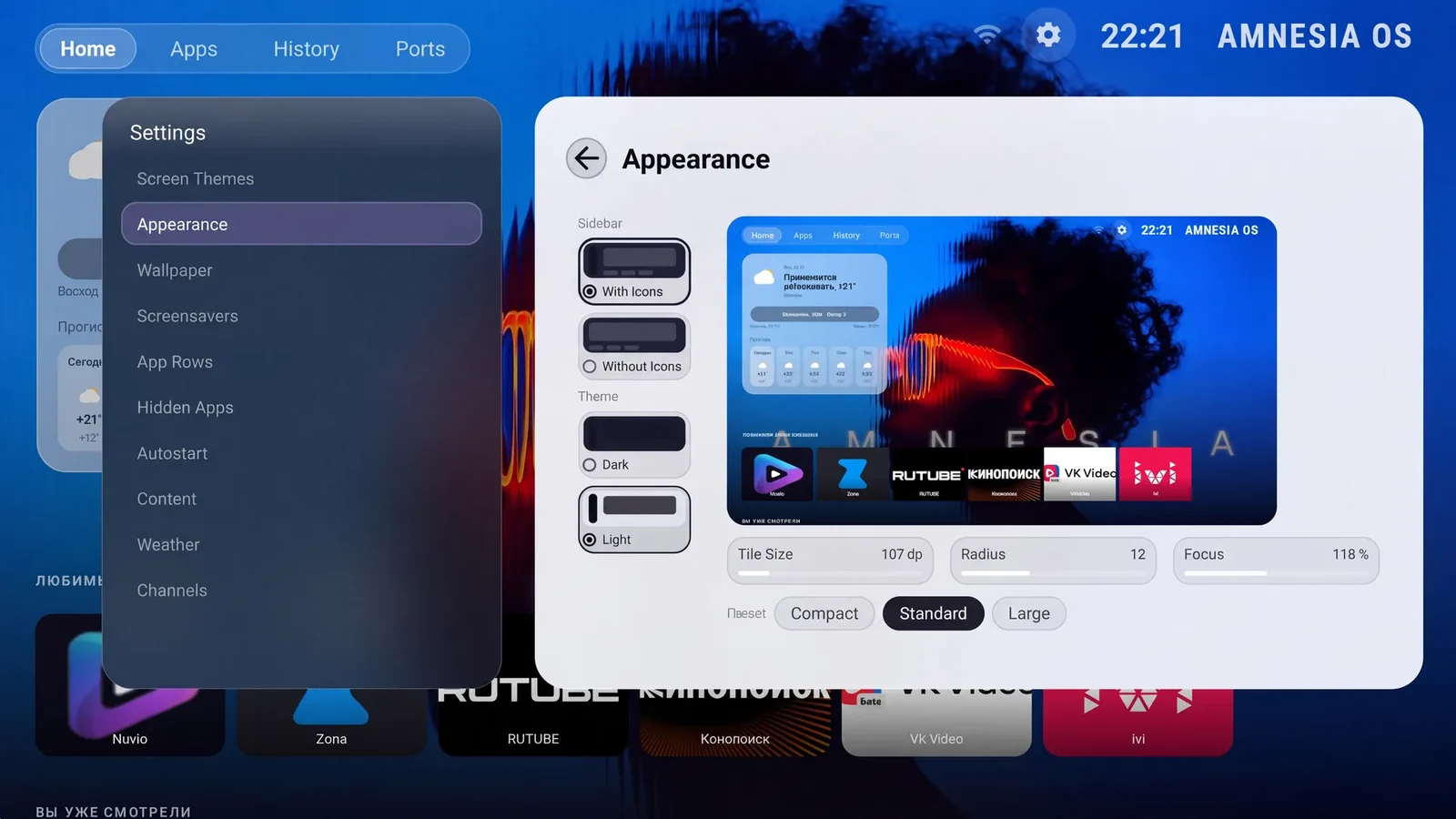
AmnesiaOS — appearance
Illustration · AmnesiaOS
Keyboard

AmnesiaOS keyboard for text input.

Voice search

Remote microphone search and result cards in AmnesiaOS.

What gets installed

The AmnesiaOS home screen, settings localisation, keyboard and these apps from the international set:

Aptoide TV
Nuvio
YouTube TV
Zona
SmartTube
TiviMate
Netflix
HBO Max
Hulu
Plex
Popcorn Time
Kodi
Emotn Store

Installing an app does not by itself grant access to content: playback depends on the service.

Stays in the original language
  • Languages and content access inside apps depend on the services themselves.
  • The original device firmware remains installed.
Not included
  • Subscriptions and paid content access.
  • An official XGIMI global firmware image.
  • Confirmed compatibility for G0130 or other hardware versions.
How the install works

Three steps
to an English projector

Everything happens on the projector itself. No computer needed.

Choose your model
and pay

Select your model, enter its serial number and email, then review the total and pay. Checkout is in English.

No technician · no screen sharing

Get the installer
built for your device

We email you a download link. Download the file and copy it to an ordinary USB stick.

Any USB stick · FAT32

Run it
on the projector

Connect the projector to the internet, plug in the stick and start the installer — it downloads the files for your model. The projector reboots itself at the end.

The projector needs internet
Before you start

What you need

A USB stick formatted as FAT32.
An internet connection on the projector to download installation files.
The serial number of this exact device.
Wait for installation to finish and the projector to reboot.
Get started

English for
your projector

The licence is issued against the serial number. If you are not sure which model you have, write to support@amnesiaos.com before you order.

01
A build for your device only
Every build is tied to your serial number — it will not run on any other projector
02
Secure online payment
Review your order and pay with Robokassa. Your international installer is available after payment confirmation.
03
No remote technician
No appointment and no screen sharing: you run the installer from a USB stick when it suits you
04
Support after the install
Questions about the install — support@amnesiaos.com
Your order
Review the total, pay securely, then download your international installer
Projector model
XGIMI Z9X High BrightnessSupported
Where to find it: the sticker on the case, or the device information screen in the settings
Price—
🔒 Pay securely with Robokassa · Review USD price and RUB total before payment
Worth knowing

Known limitations

Only the tested China-market High Brightness G0148 version.
The licence is tied to one projector by serial number.
Installing Netflix or another app does not guarantee playback, HD/4K quality or regional availability.
Questions and answers

Frequently asked questions

Is this the same as the standard Z9X 4K?
No. The standard Z9X 4K has its own page and installation set. This page covers High Brightness G0148.
Does this work on G0130?
Confirm compatibility before paying. The G0148 device test does not establish the result on G0130.
Can I install global firmware instead?
The original device firmware remains installed.
Are app subscriptions included?
No. Installing an app does not include a subscription or guarantee playback, HD/4K quality or availability in your country.